
Legal • Secure • Russian bank cards • Crypto wallets
Get Started Now Official balance top-up via QR code and withdrawal to your bank account.
Clear for Banks. Safe for You. Via user agreement.

Deposit: RUBR → Cryptocurrency
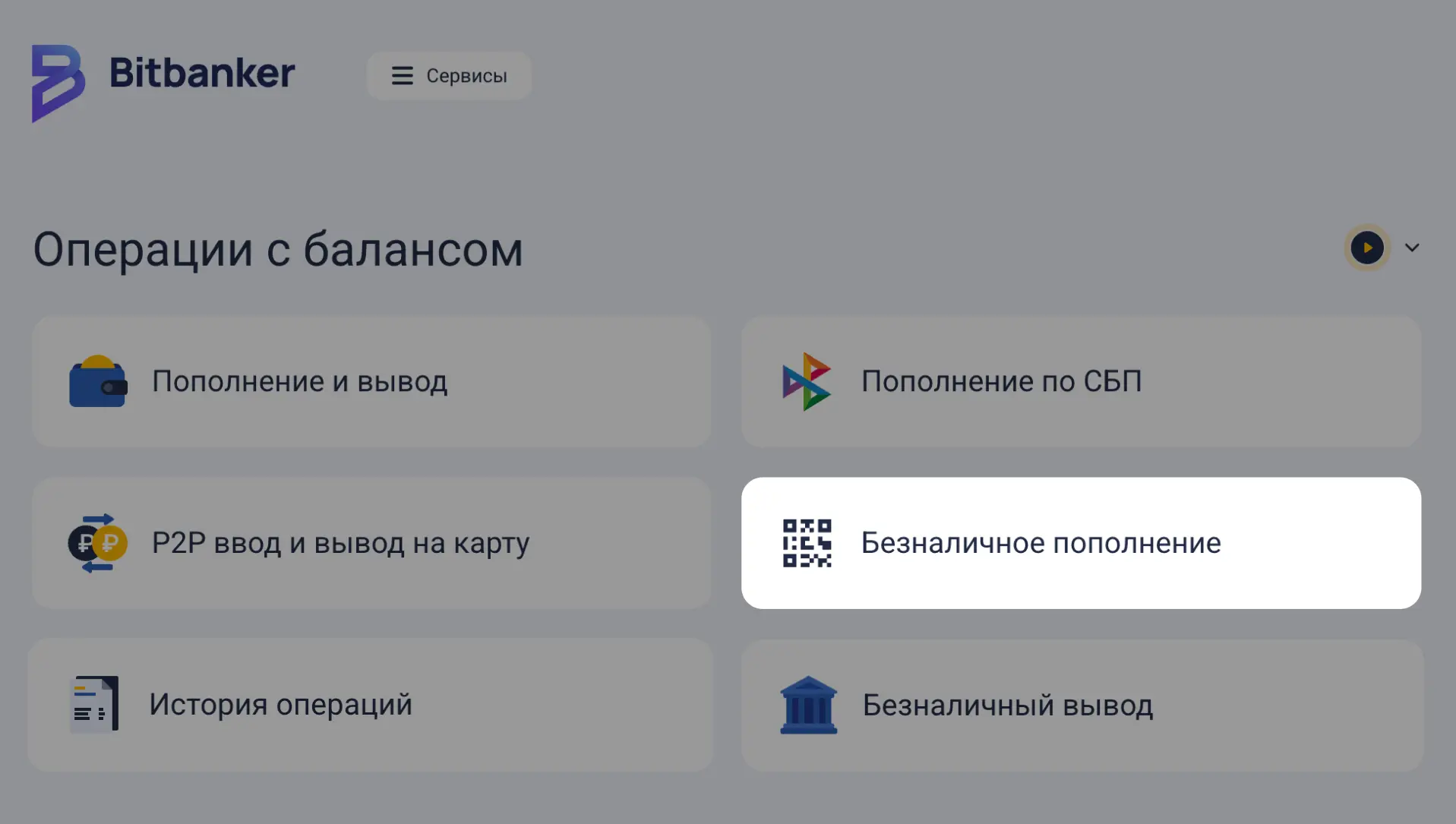
1. Go to your application and select the "Cashless Top-up" section.
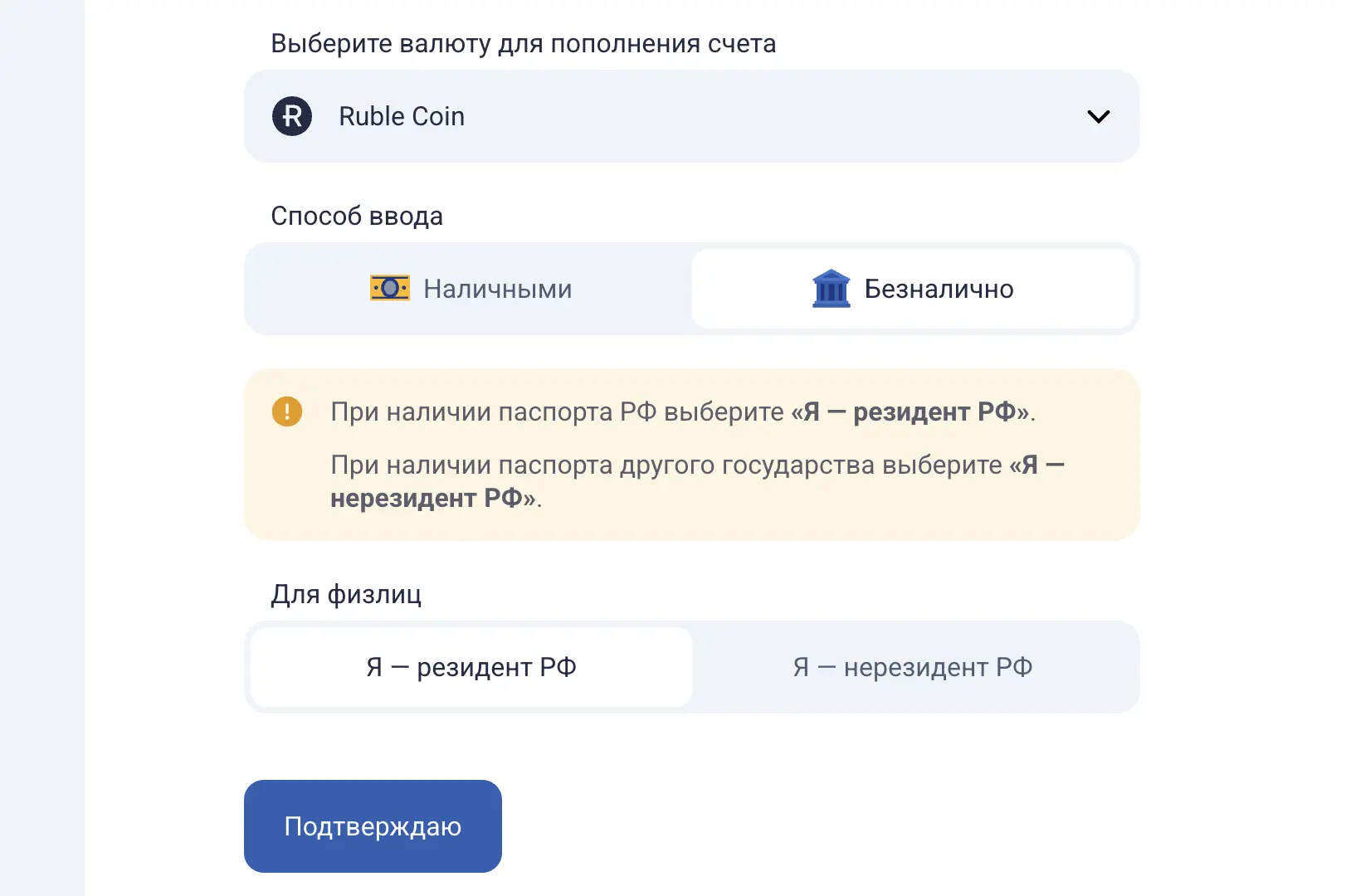
2. Choose RUBR currency, select "Non-cash transfer" as the input method, and select your residency status.
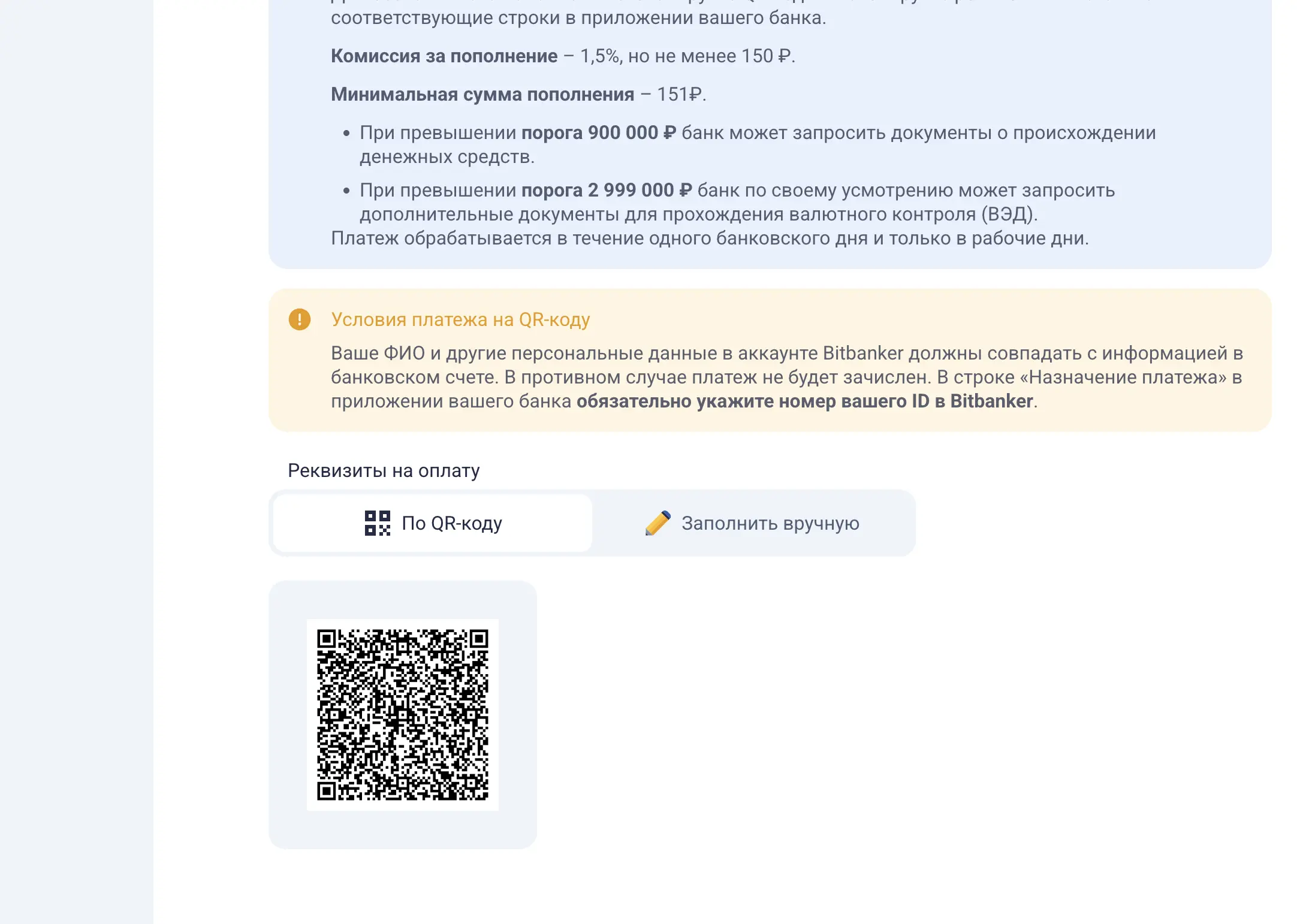
3. Toggle the "Via QR code" switch, scan the code in your banking app, or get the details for manual entry by selecting "Fill in manually."
4. Enter the amount and ensure all fields in your banking app are completed.
5. Important! The payment purpose is already pre-filled in your app. You only need to add your account ID.
6. Funds will be credited within one business day.
Withdrawal: Cryptocurrency → RUBR
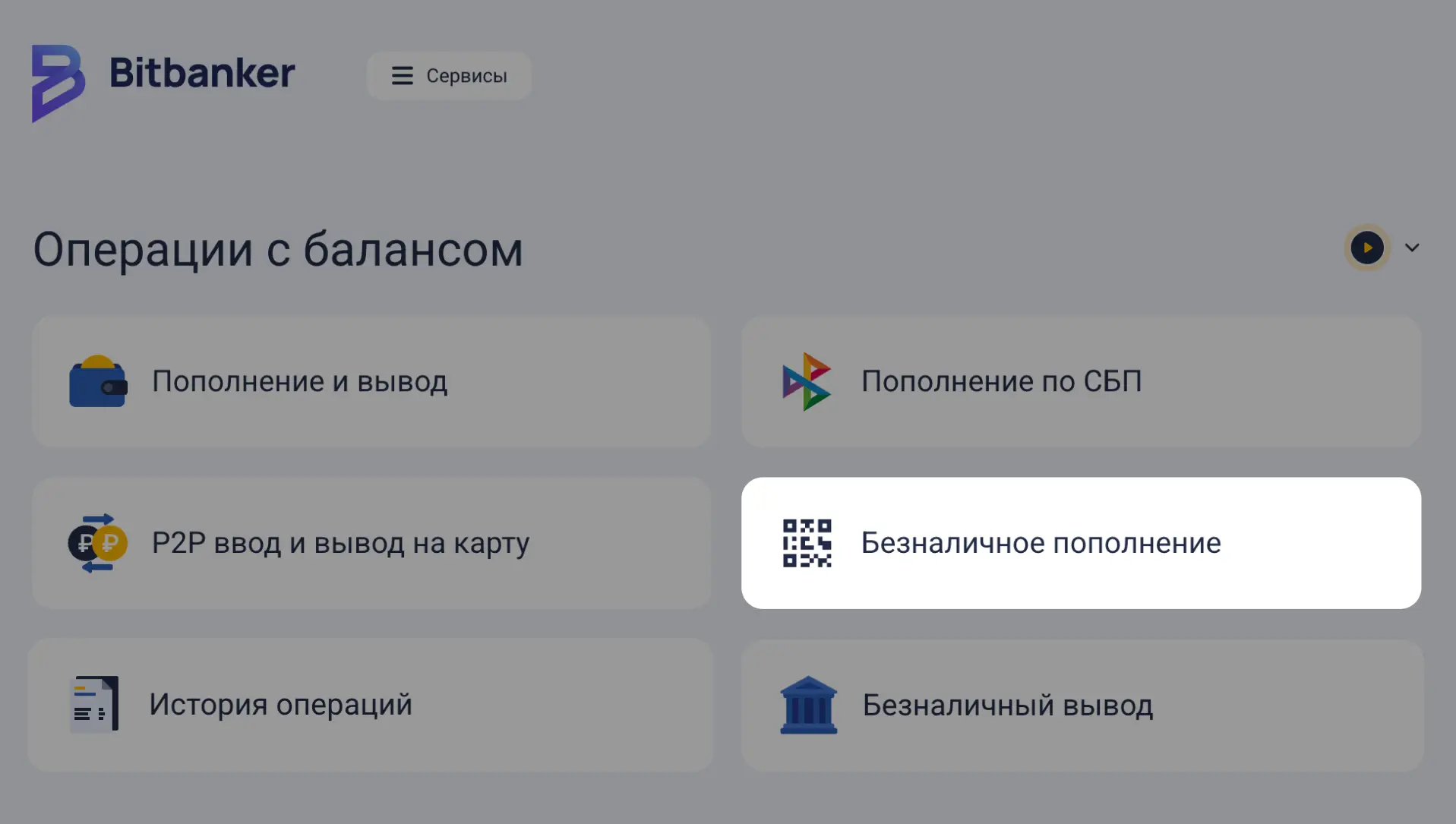
1. In your application, click "Cashless Withdrawal."
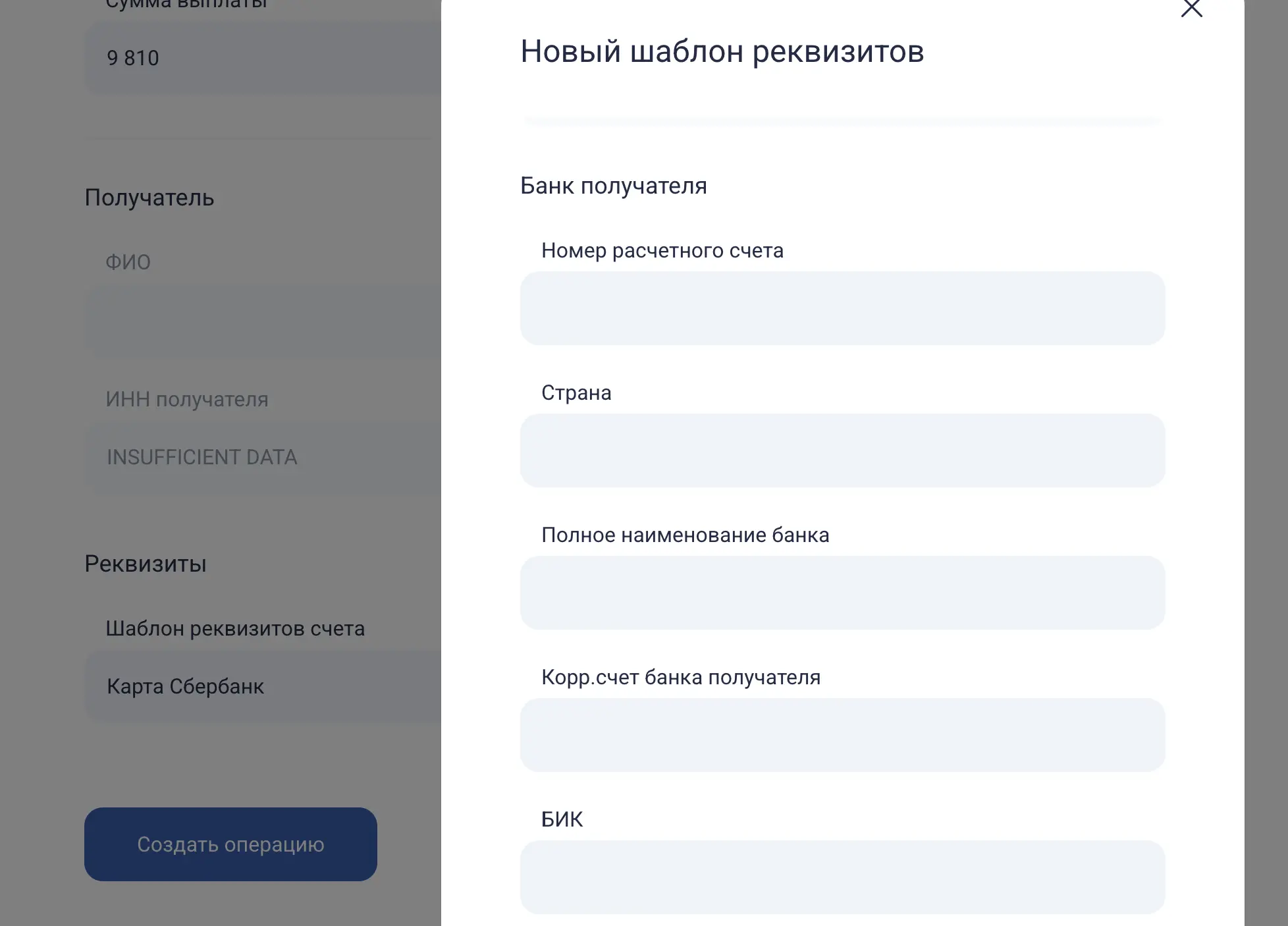
2. Fill in your account details or select an existing template.
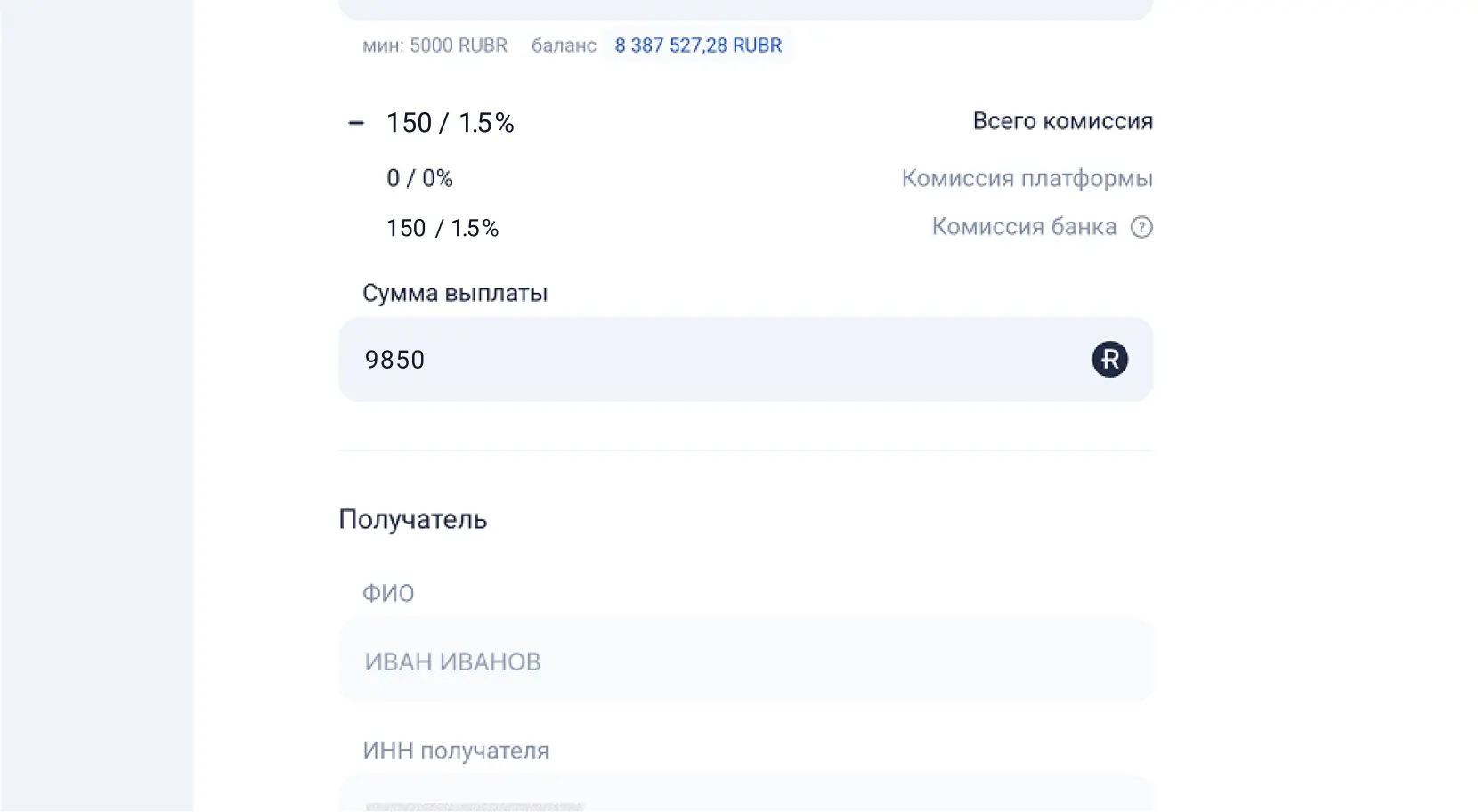
3. Check the total amount including the fee.
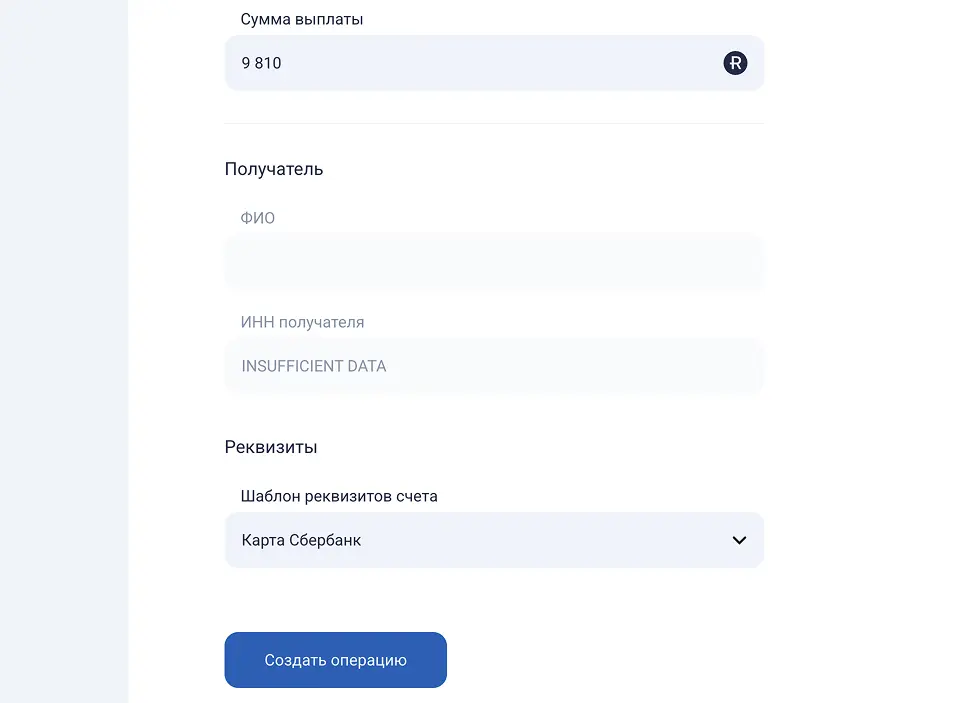
4. Click "Create new operation." The money will arrive within 24 hours on business days.
Loading...
Tether USD
BNB Smart Chain (BEP20) • Avalanche C-Chain • Tron (TRC20) • Ton • Ethereum (ERC20)
Ruble Coin
Bitcoin
Bitcoin • BNB Smart Chain (BEP20)
Tron
Tron (TRC20)
Gram
Ton
US Dollar (Russia)
Euro
Ether
BNB Smart Chain (BEP20) • Ethereum (ERC20)
USD Coin
Tron (TRC20) • Avalanche C-Chain • BNB Smart Chain (BEP20) • Ethereum (ERC20)
How is this better than P2P?

100% Legal

User agreement

Secure

Transparent
What is it for?

Major purchases
Convert cryptocurrency into "clean" rubles in your bank account to officially purchase a vehicle or real estate.

Capital protection
Keep your funds within the legal framework, eliminating the risk of sudden card blocks for "suspicious activity."

Business and investment
Maintain a transparent source-of-funds history for future investment opportunities.
Terms and limits
Parameter
Deposit
Withdraw
Method
QR Code (Bank Transfer)
Bank Account Transfer
Processing Time
1 business day (Mon–Fri)
4–5 hours (Mon–Fri)
Commission
1.5% (min. 150 ₽)
1.5% + your bank's fee
Security and legality

FAQ
Bitbanker Explains
January 16, 2026
How to legally operate with cryptocurrency in Russia in 2026: instructions on laws and taxes
January 29, 2026
Legal Conversion of USDT into Rubles in 2026 — Safe and Compliant
January 30, 2026
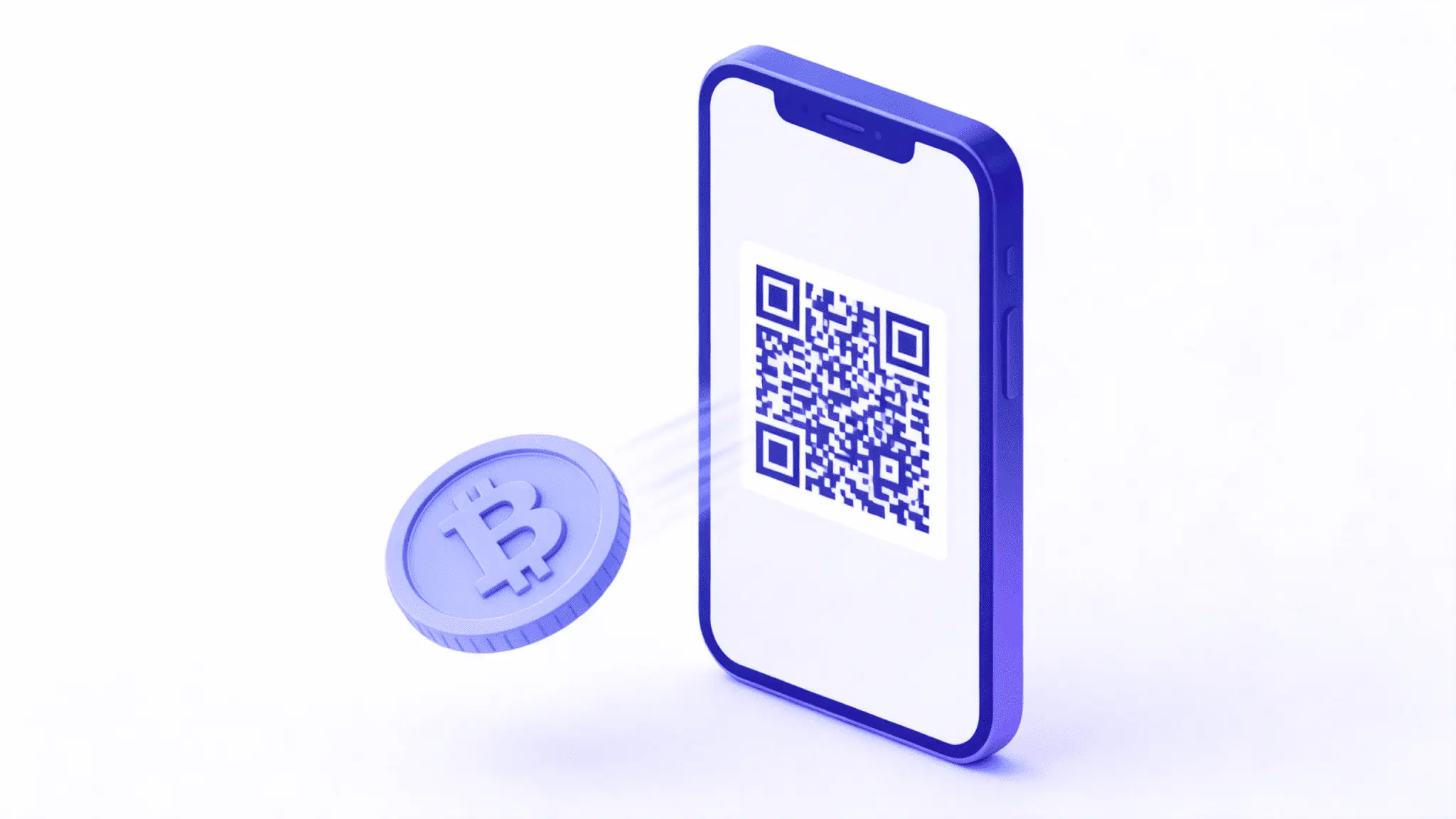
How to Top Up Your Bitbanker Account with Rubles via QR Code in 2026
FAQ
About Us
Commissions and Limits
Registering and Setting up an Account
How to complete verification (KYC)
Deposits, Transfers, and Withdrawals
How to top up your balance via bank transfer
How to create an order
How to download the Android app
How to deposit via SBP
How to withdraw non-cash funds
How virtual cards work
How to order a card
How to top up a card